 ⭐ Featured
Setup Guides
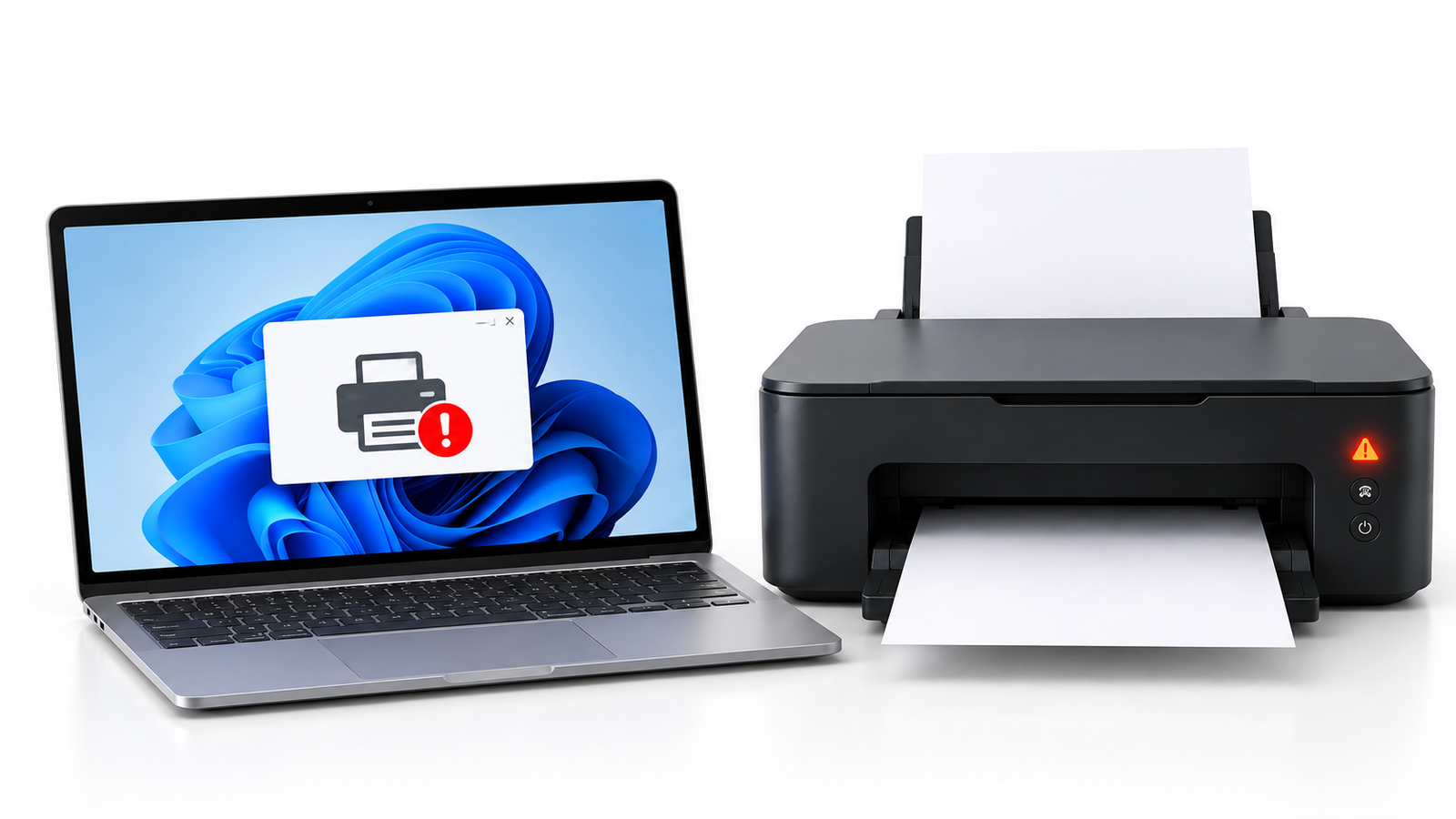
Printer Offline: A Practical Checklist to Get Printing Again
Follow this printer offline practical checklist to check connections, clear the print queue, restart the Print Spooler, fix Wi-Fi or USB issues.
 ⭐ Featured
Setup Journal
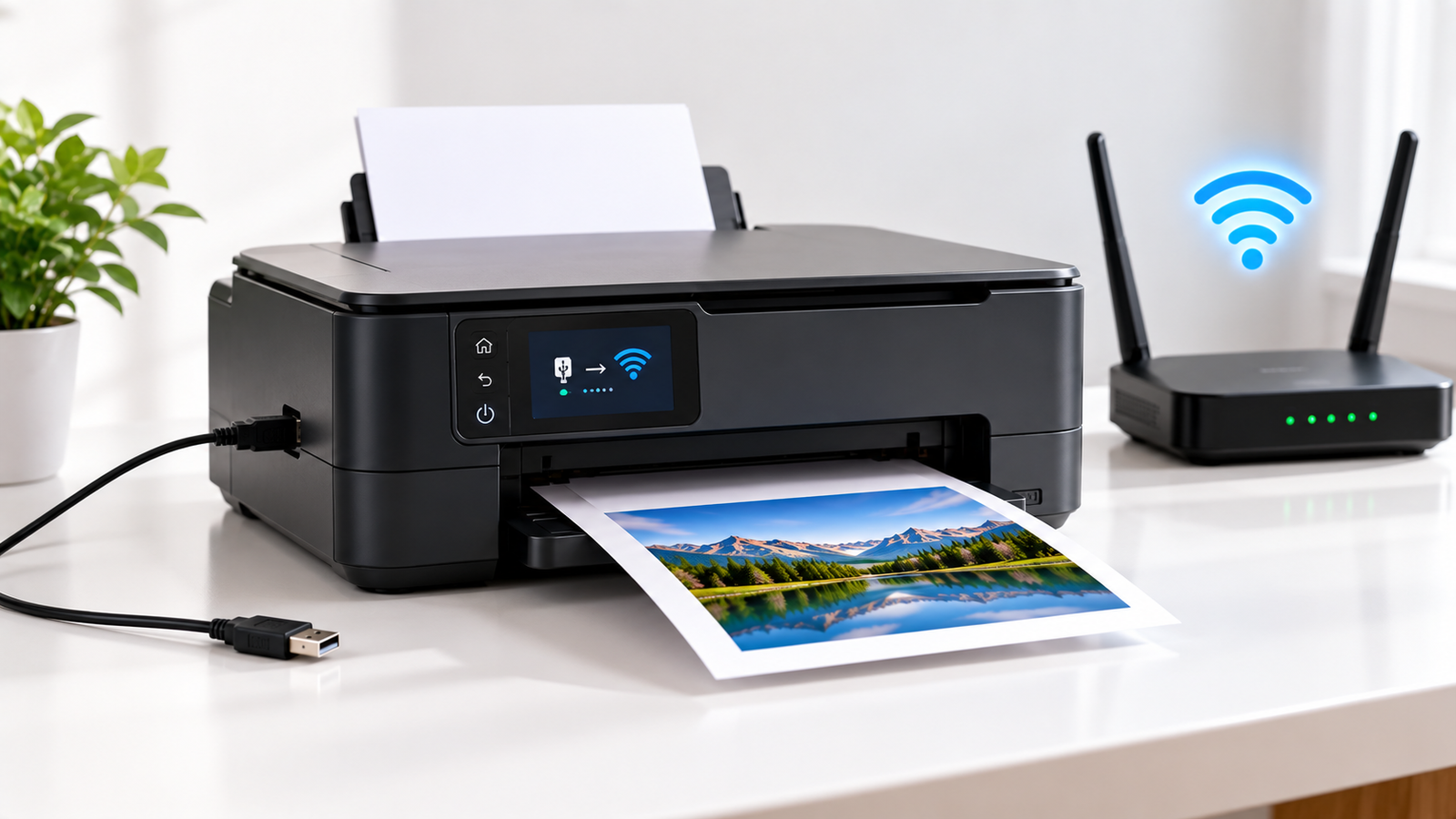
Moving Printer Setup from USB to Wi-Fi
Learn how to move printer setup from USB to Wi-Fi step by step. Connect your printer wirelessly, add it to Windows or Mac, test the connection.

Wi-Fi & Network Printing
Wi-Fi Printing: Complete Setup, Connection & Troubleshooting Guide
Learn WiFi Printing setup, connection methods, mobile and PC printing, WiFi Direct, and easy fixes for common wireless printer problems.
General
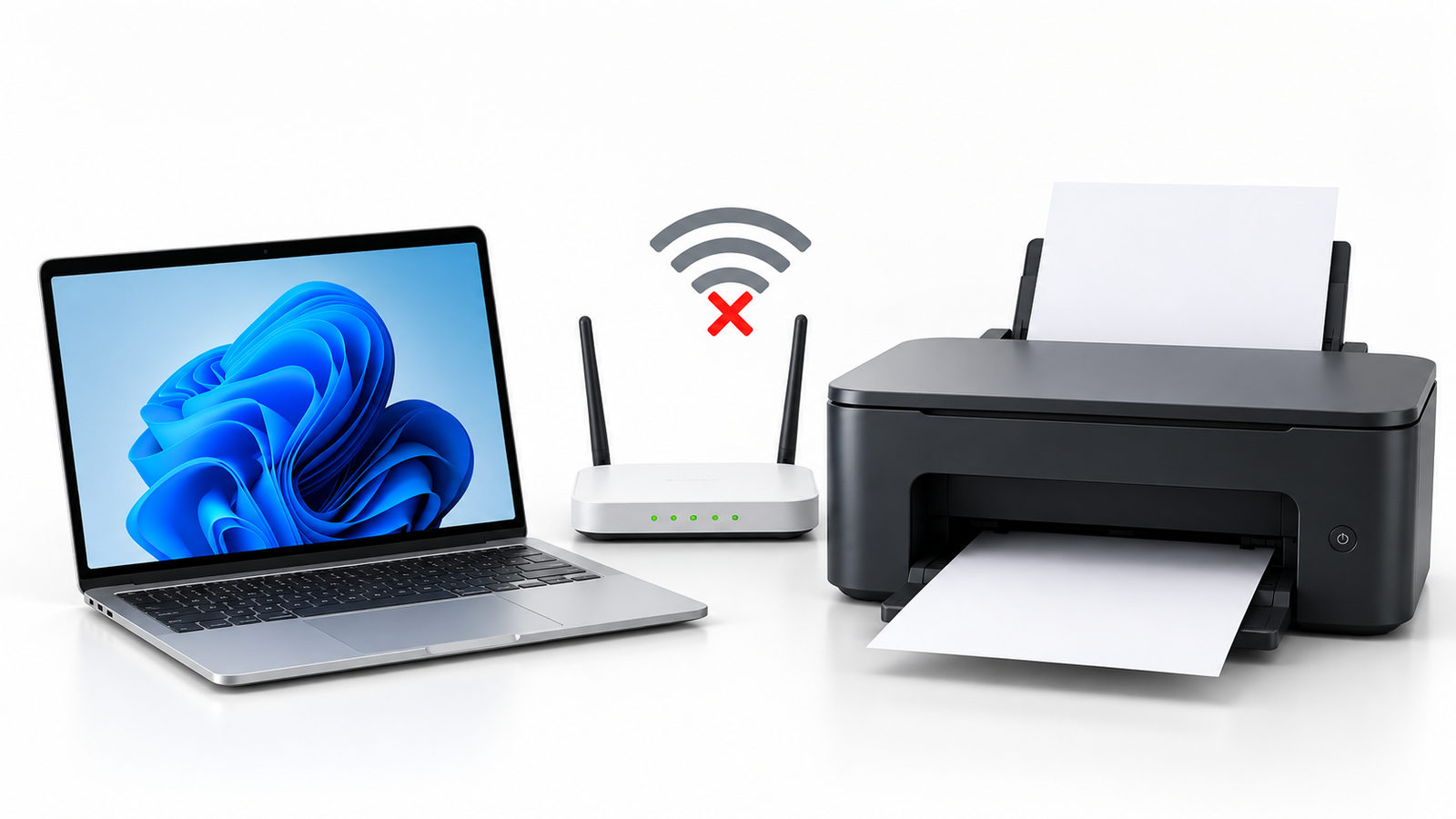
Wi-Fi Printer Problems: Common Issues and How to Fix Them
Learn how to fix Wi-Fi Printer Problems, including offline printers, connection issues, weak signals, driver errors, and wireless printing problems at home.
Setup Guides
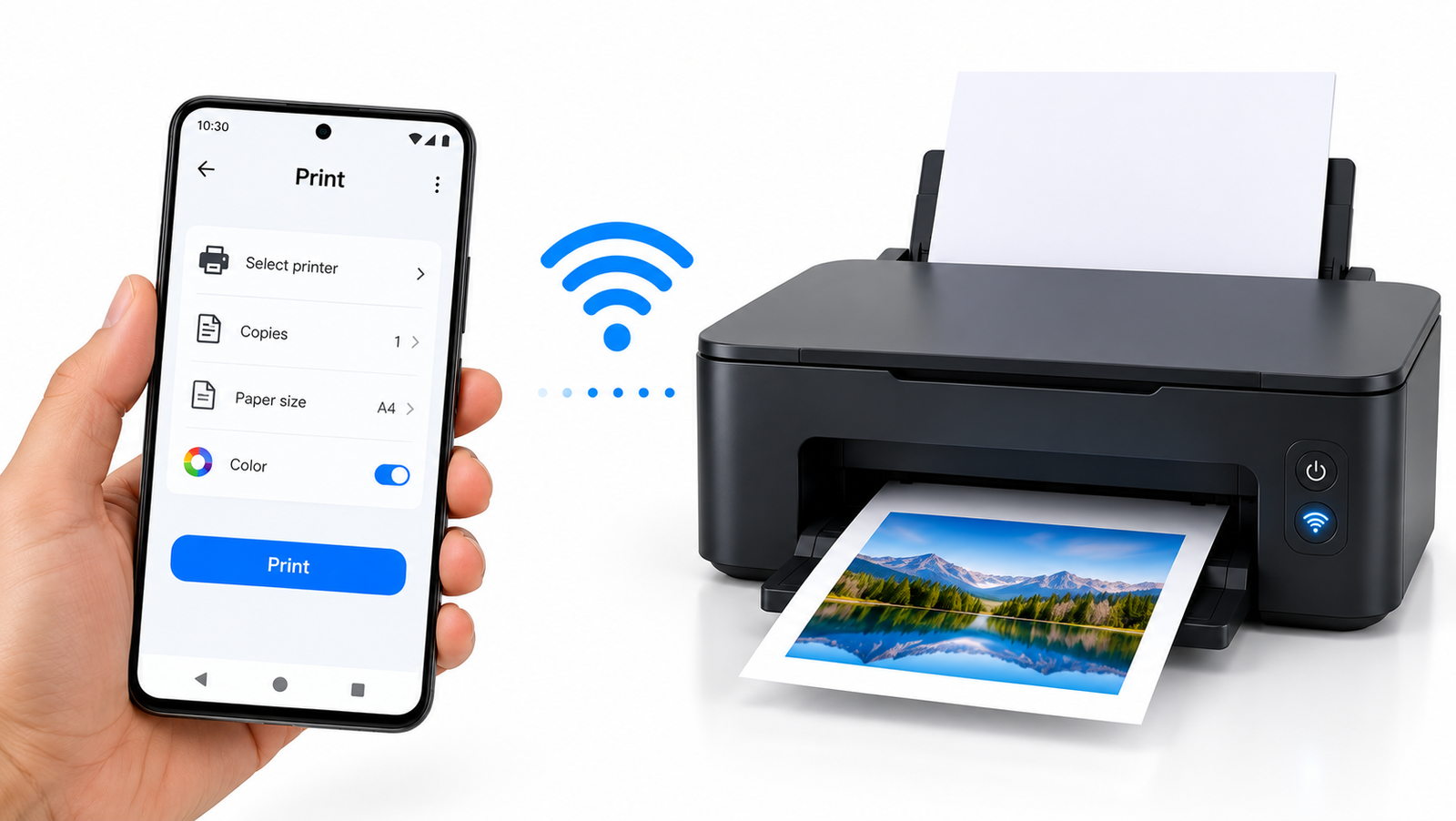
How to Print From an Android Phone: Easy Step-by-Step Guide
Learn how to print from an Android phone using Wi-Fi, printing services, or a printer app. Print documents, photos, and PDFs with ease.

Setup Guides
How to Add a Printer on a Mac: Easy Step-by-Step Guide
Learn how to add a printer on a Mac using Wi-Fi, USB, or AirPrint, plus easy troubleshooting tips for common printer connection issues.
Setup Guides
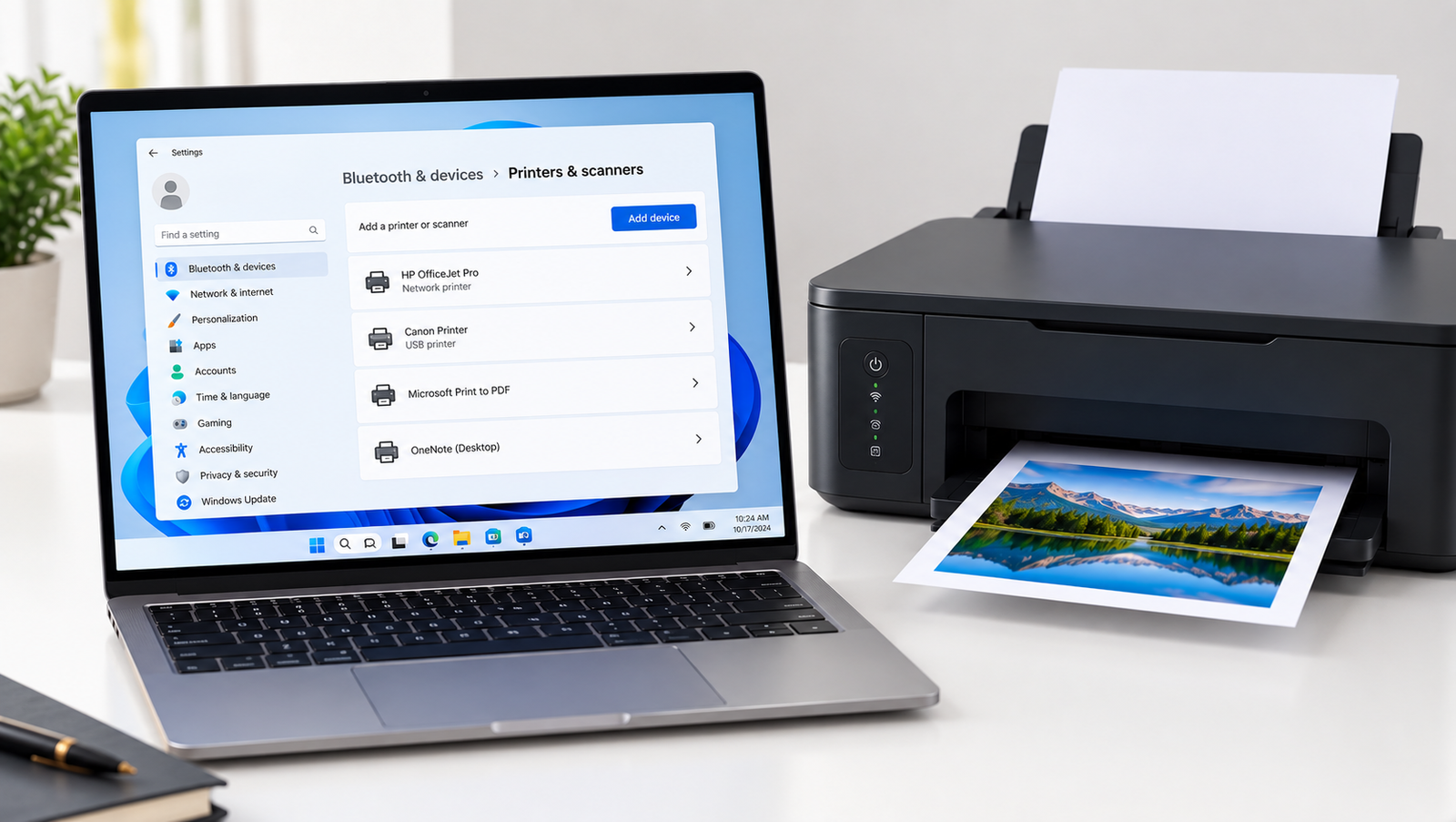
Add a Printer in Windows 11: Connect a Network or USB Printer
how to add a printer in Windows 11 using USB, Wi-Fi, or a network connection. Follow simple setup steps, install printer drivers, print your first page.

Setup Guides
Wi-Fi Printer Setup: Connect Your Printer to Your Home Network
Learn how to complete Wi-Fi printer setup and connect your printer to your home network. Follow simple steps for Windows, Mac, mobile devices, WPS setup.
Setup Guides
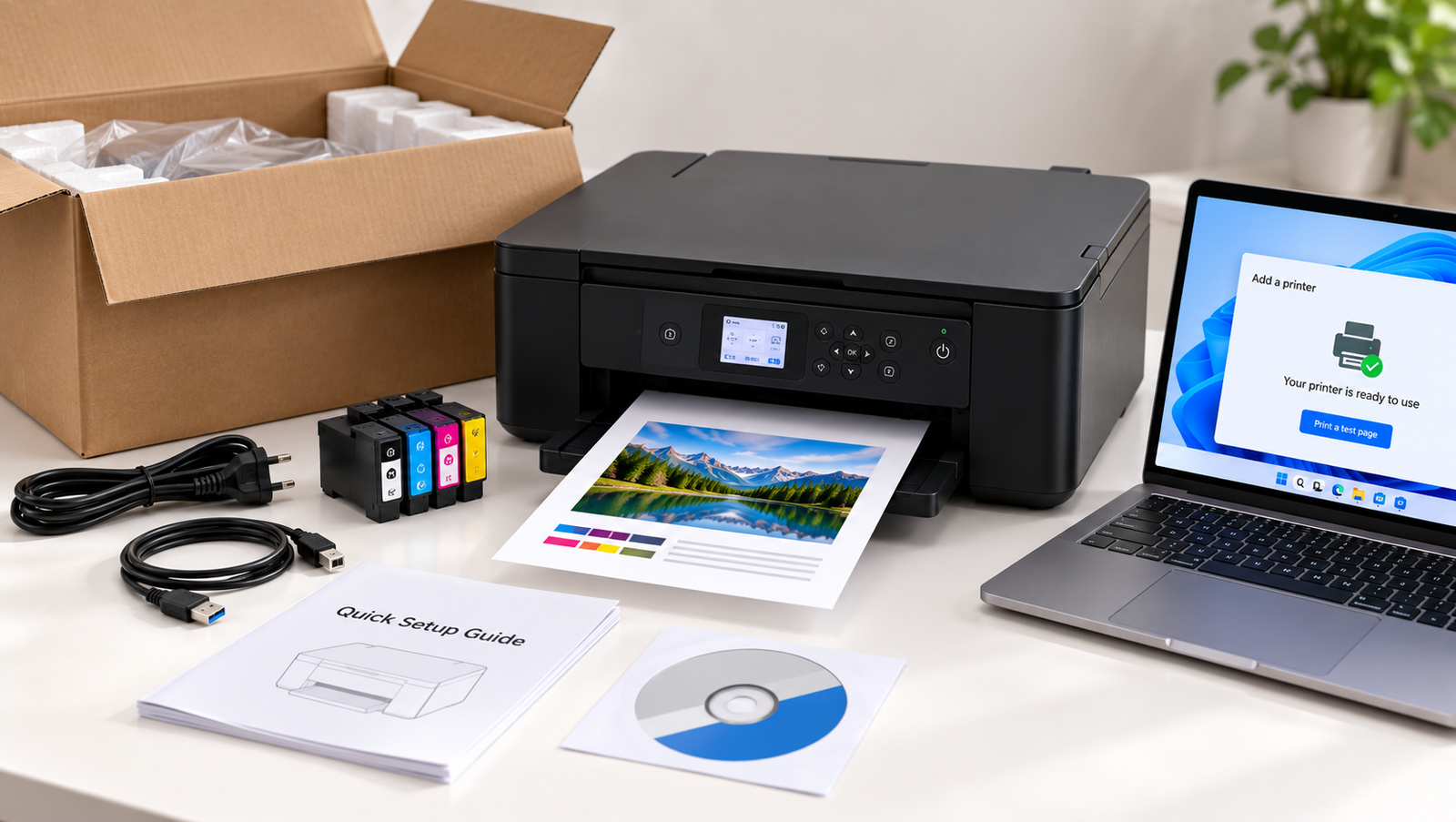
Set Up a New Printer: From the Sealed Box to Your First Test Page
Learn how to set up a new printer from unboxing and installing ink to connecting Wi-Fi, adding drivers, and printing your first test page.