 ⭐ Featured
Setup Guides
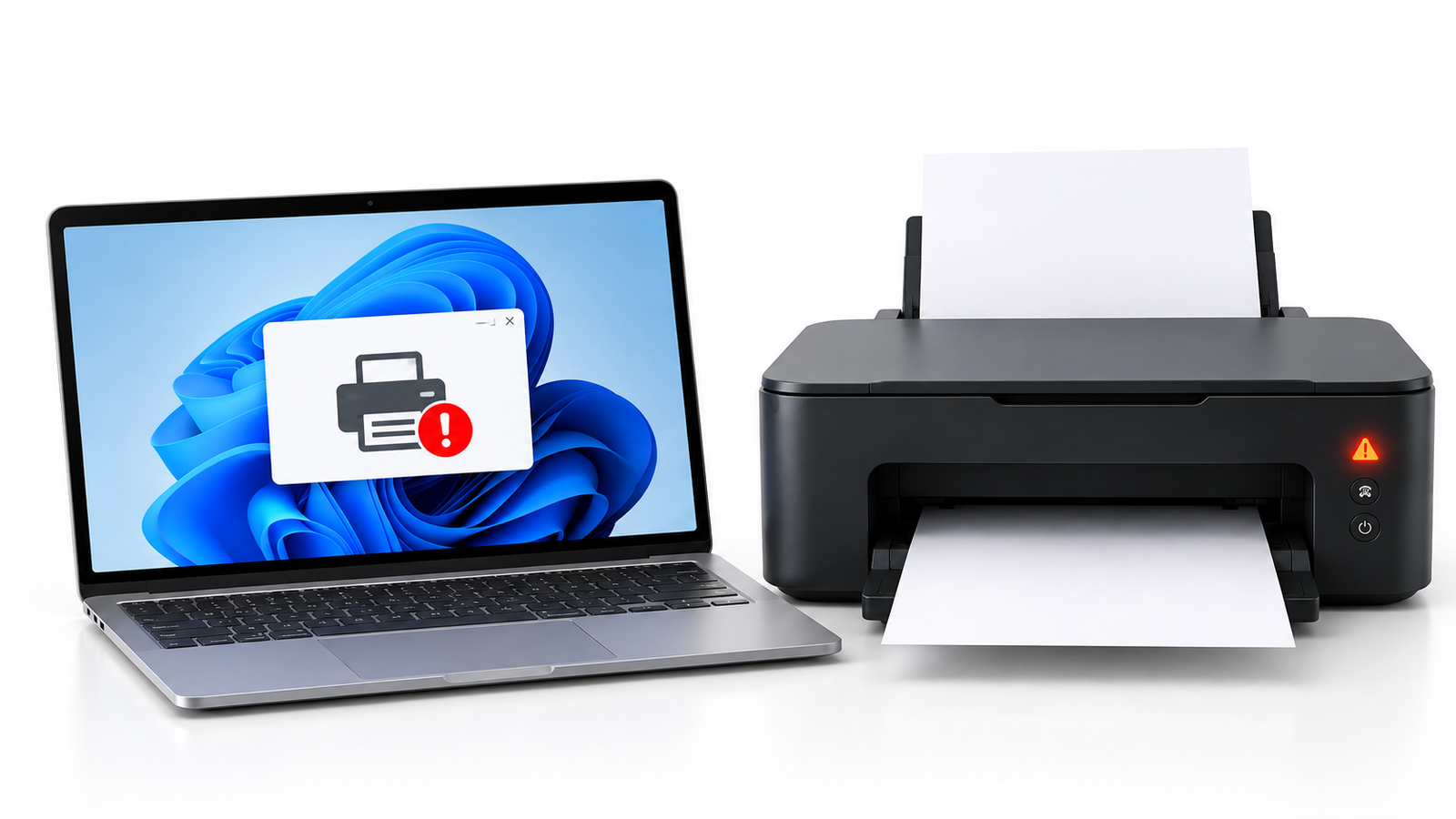
Printer Offline: A Practical Checklist to Get Printing Again
Follow this printer offline practical checklist to check connections, clear the print queue, restart the Print Spooler, fix Wi-Fi or USB issues.
 ⭐ Featured
Setup Journal
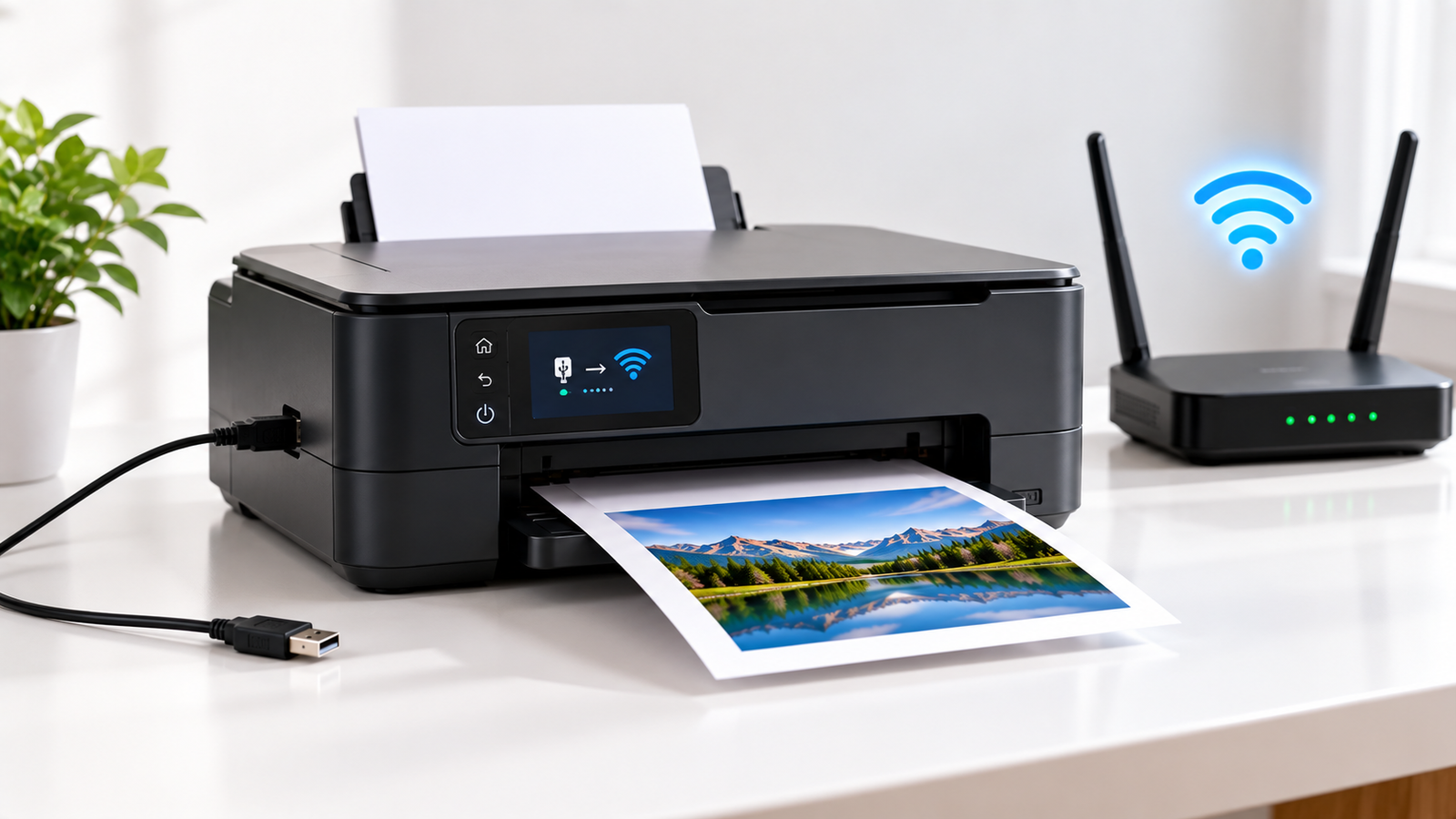
Moving Printer Setup from USB to Wi-Fi
Learn how to move printer setup from USB to Wi-Fi step by step. Connect your printer wirelessly, add it to Windows or Mac, test the connection.

Wi-Fi & Network Printing
Wi-Fi Printing: Complete Setup, Connection & Troubleshooting Guide
Learn WiFi Printing setup, connection methods, mobile and PC printing, WiFi Direct, and easy fixes for common wireless printer problems.
General
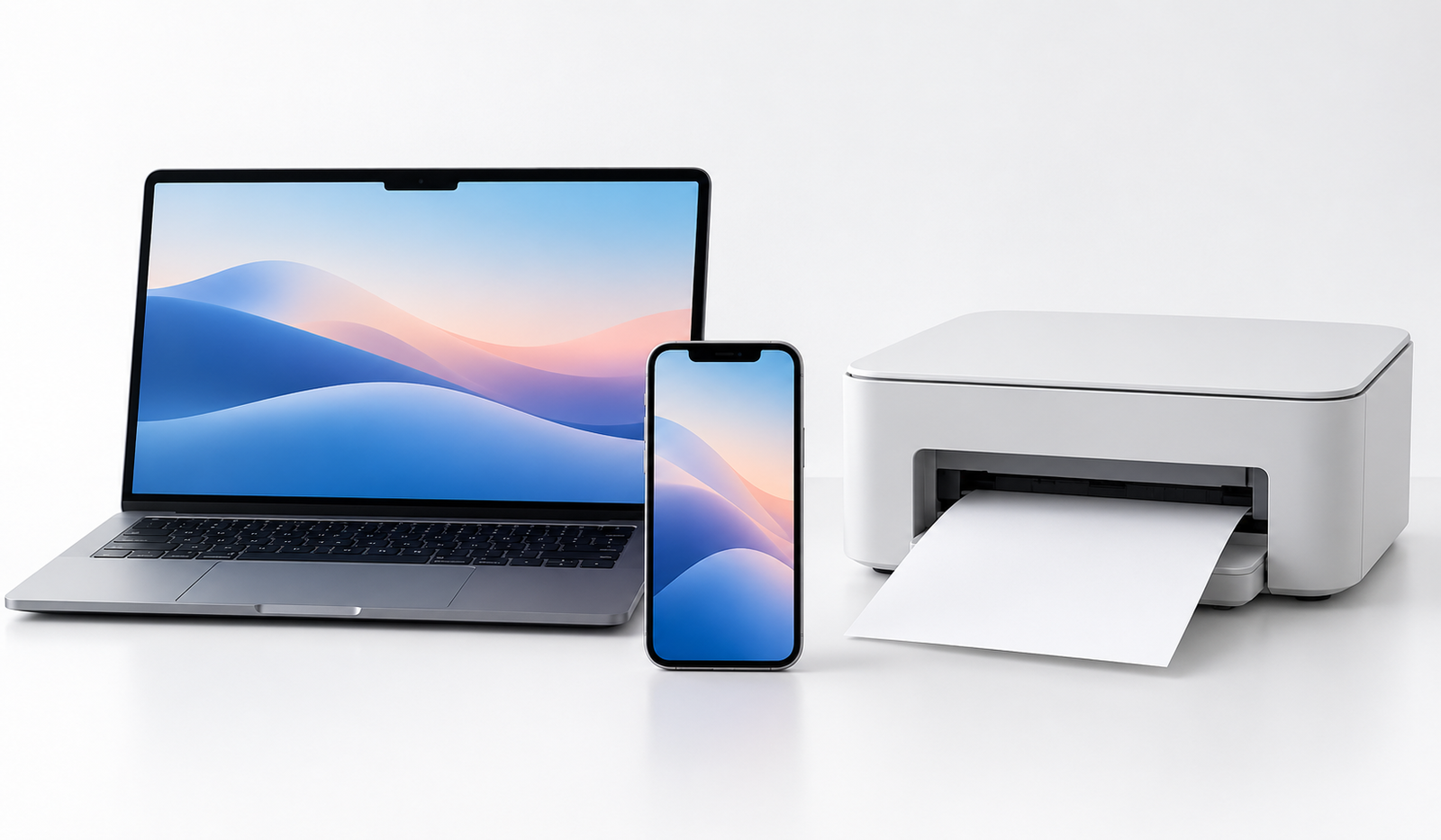
Mac & iPhone Printing: Complete Setup and AirPrint Guide
Learn Mac & iPhone Printing with AirPrint setup, wireless printer connection, photo and PDF printing, plus easy fixes for common printing issues.
General
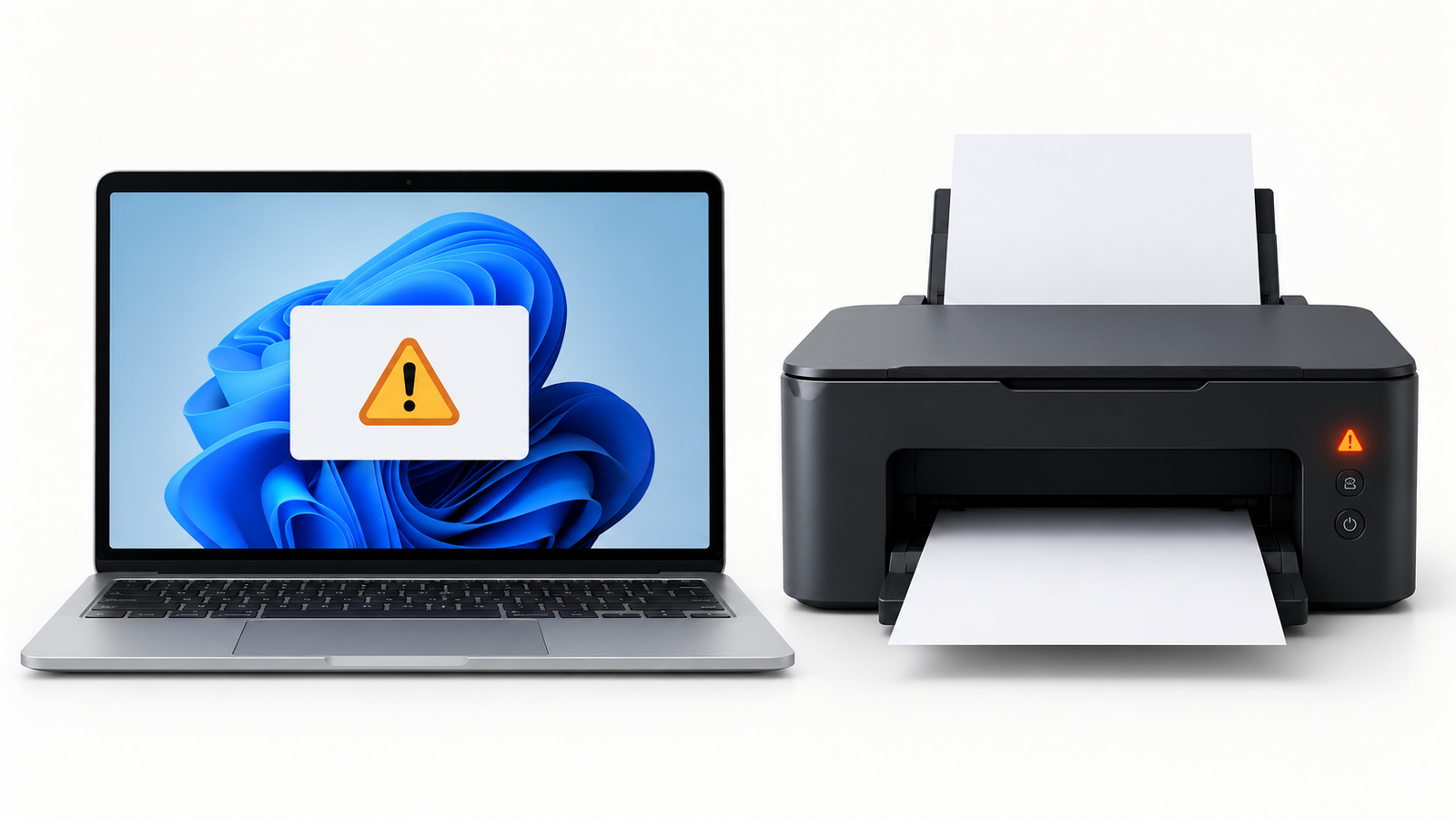
Windows Printer Fixes: Common Problems and Easy Solutions
Find easy Windows printer fixes for common issues like offline printers, driver errors, connection problems, and print failures with simple solutions.
General
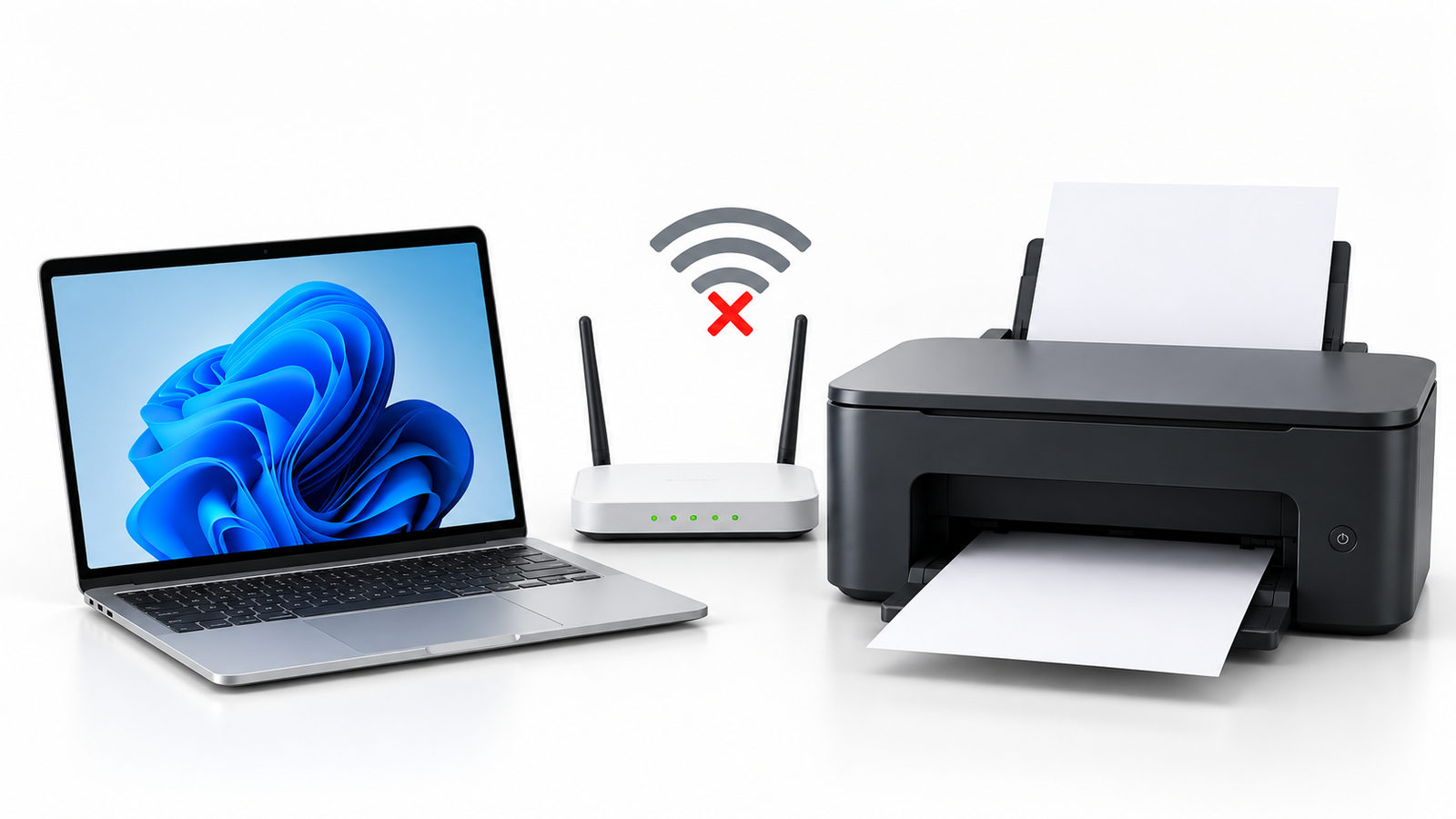
Wi-Fi Printer Problems: Common Issues and How to Fix Them
Learn how to fix Wi-Fi Printer Problems, including offline printers, connection issues, weak signals, driver errors, and wireless printing problems at home.
Setup Guides
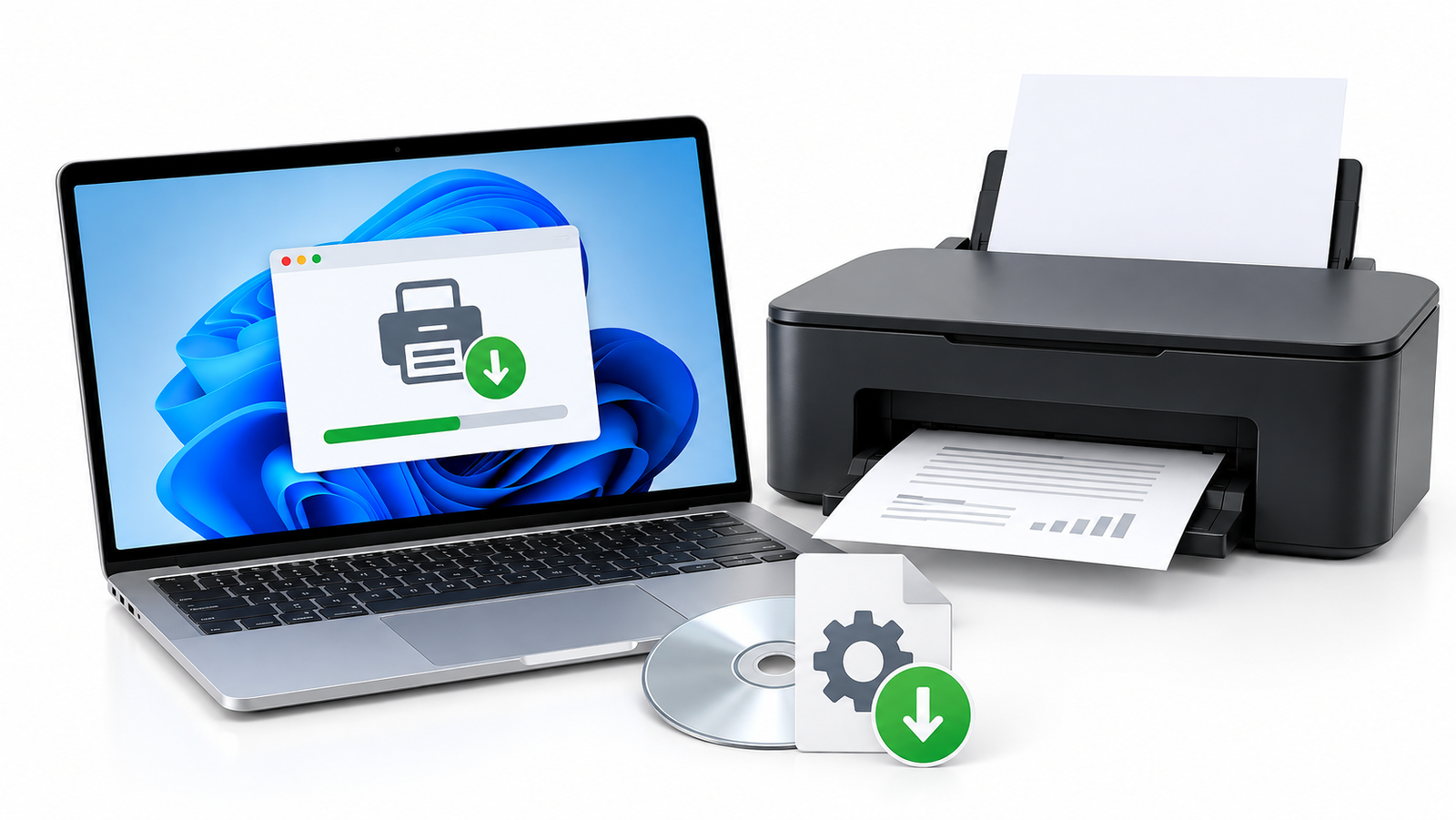
Find Printer Drivers Safely: A Complete Guide
Learn how to find printer drivers safely, choose the correct driver, download from official sources, and avoid fake or unsafe driver websites.
Setup Guides
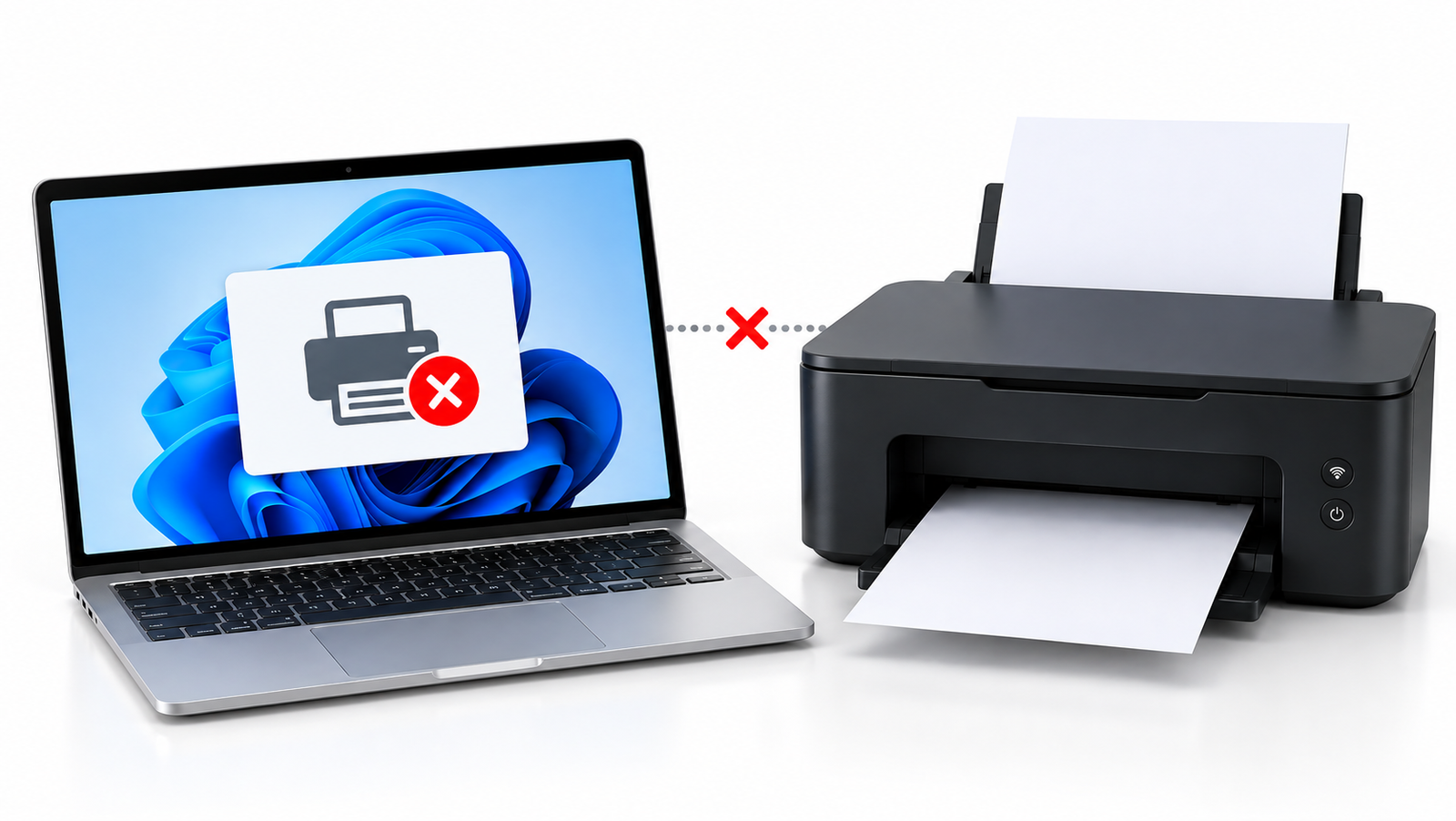
Printer Not Found on Your Device? Easy Fixes
Printer not found on your device? Learn simple ways to fix printer discovery and connection problems before changing drivers or router settings.
Setup Guides
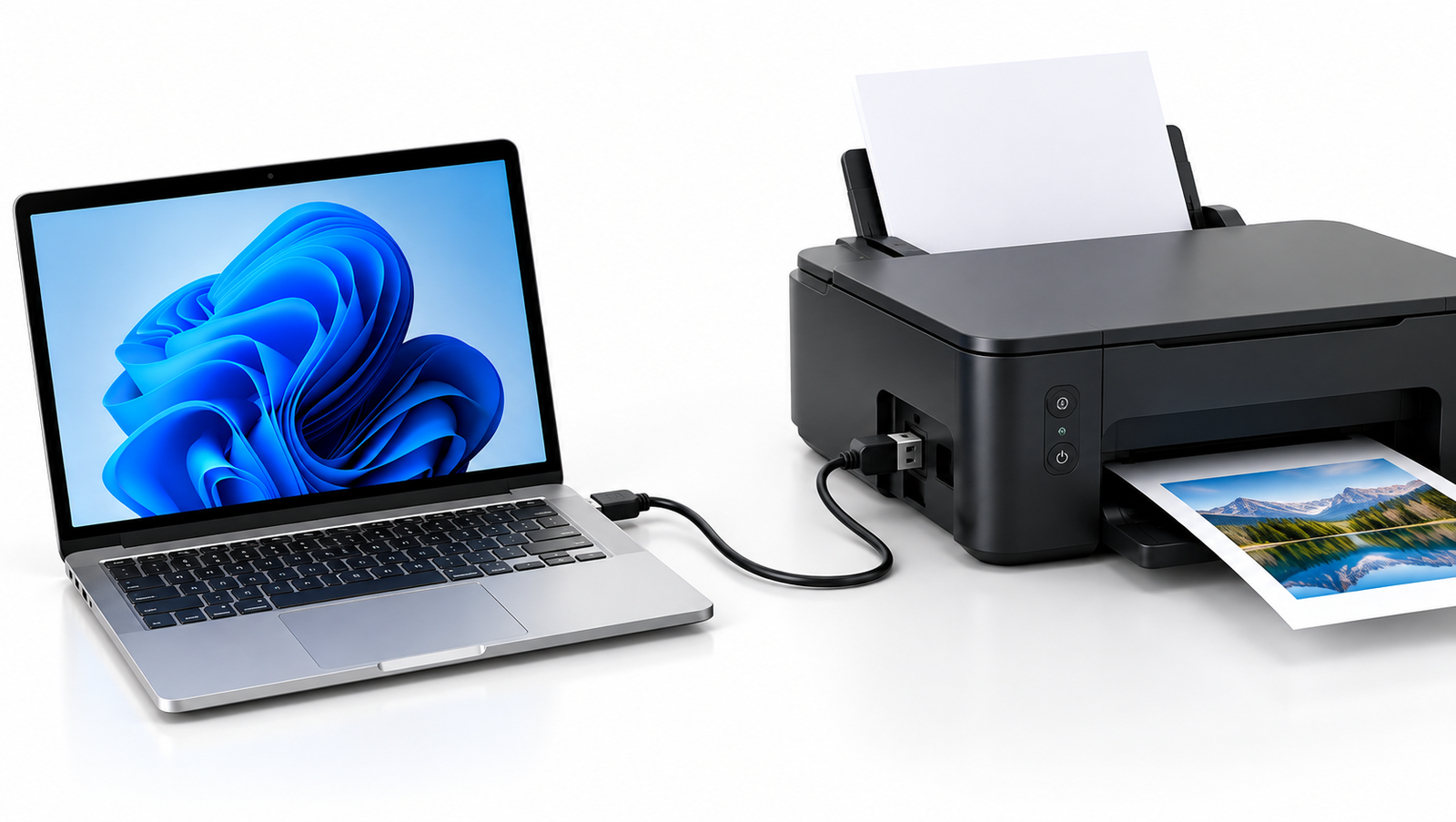
Connect a Printer with USB: Direct Cable Setup Guide
Learn how to connect a printer with USB to a Windows or Mac computer. Follow simple steps to install drivers, print a test page.