
Setup Journal
Printer Setup Checklist: From the Box to a First Test Page
Follow this printer setup checklist to unbox your printer, install ink or toner, load paper, connect by USB or Wi-Fi, install drivers, and print your first test

Printer Troubleshooting
How to Fix a Printer Printing Faded Pages
Printer printing faded pages? Learn how to fix light text, faded colors, low ink or toner, clogged printheads, paper issues, and print quality settings.

How-to Guides
How to Fix Printer Printing With Lines
Fix printer printing lines with simple troubleshooting steps. Learn how to clean printheads, check ink or toner, fix streaks, alignment, and print quality issue
General
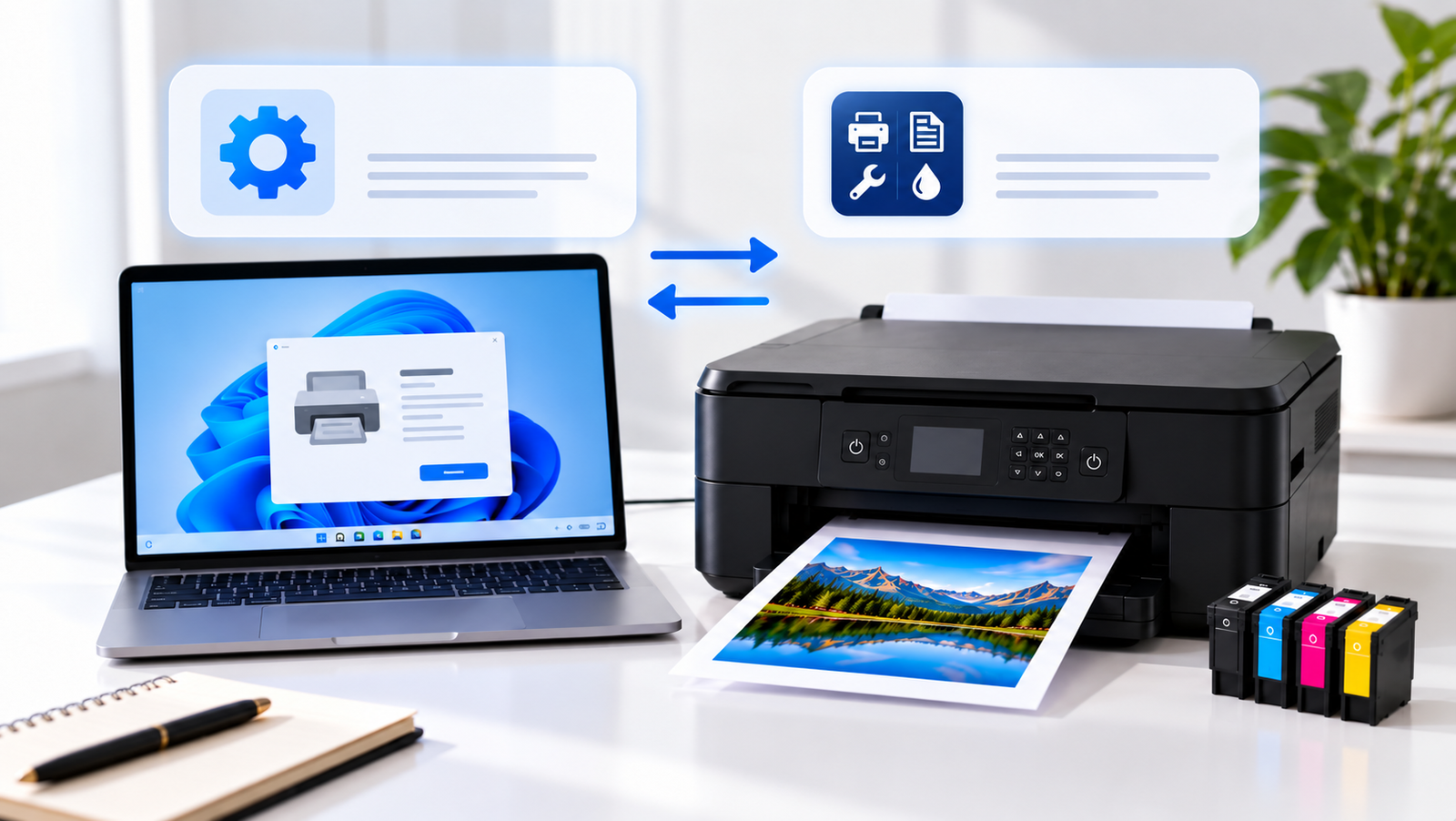
Printer Driver vs Printer Software: What's the Difference?
Printer driver vs printer software explained. Learn what each does, their key differences, whether you need both, and how they work in Windows 11.
How-to Guides
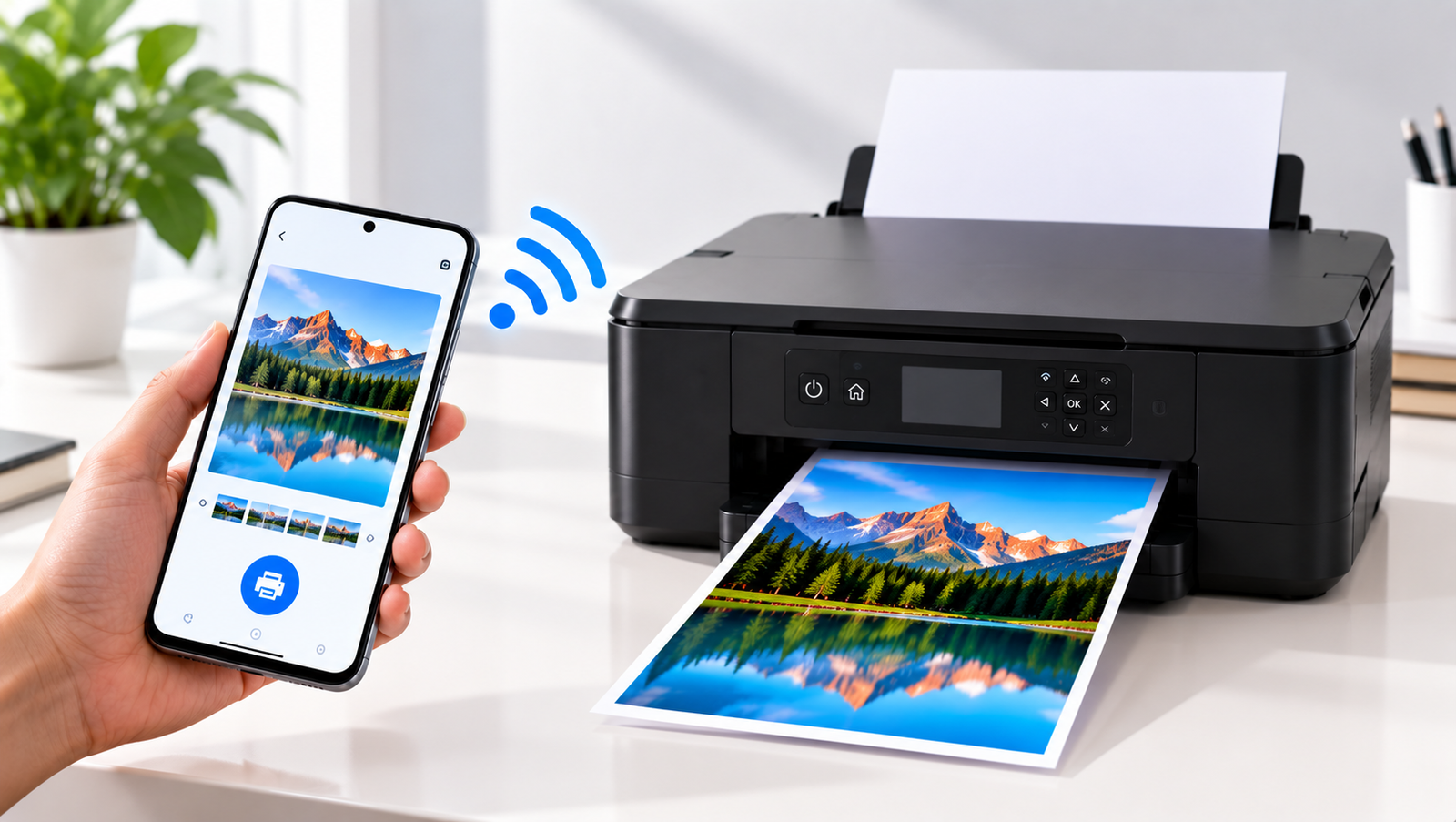
How to Connect Android Phone to a Printer
Learn how to connect Android phone to printer using Wi-Fi, Wi-Fi Direct, Default Print Service, or printer apps. Follow simple steps and troubleshooting tips.
How-to Guides
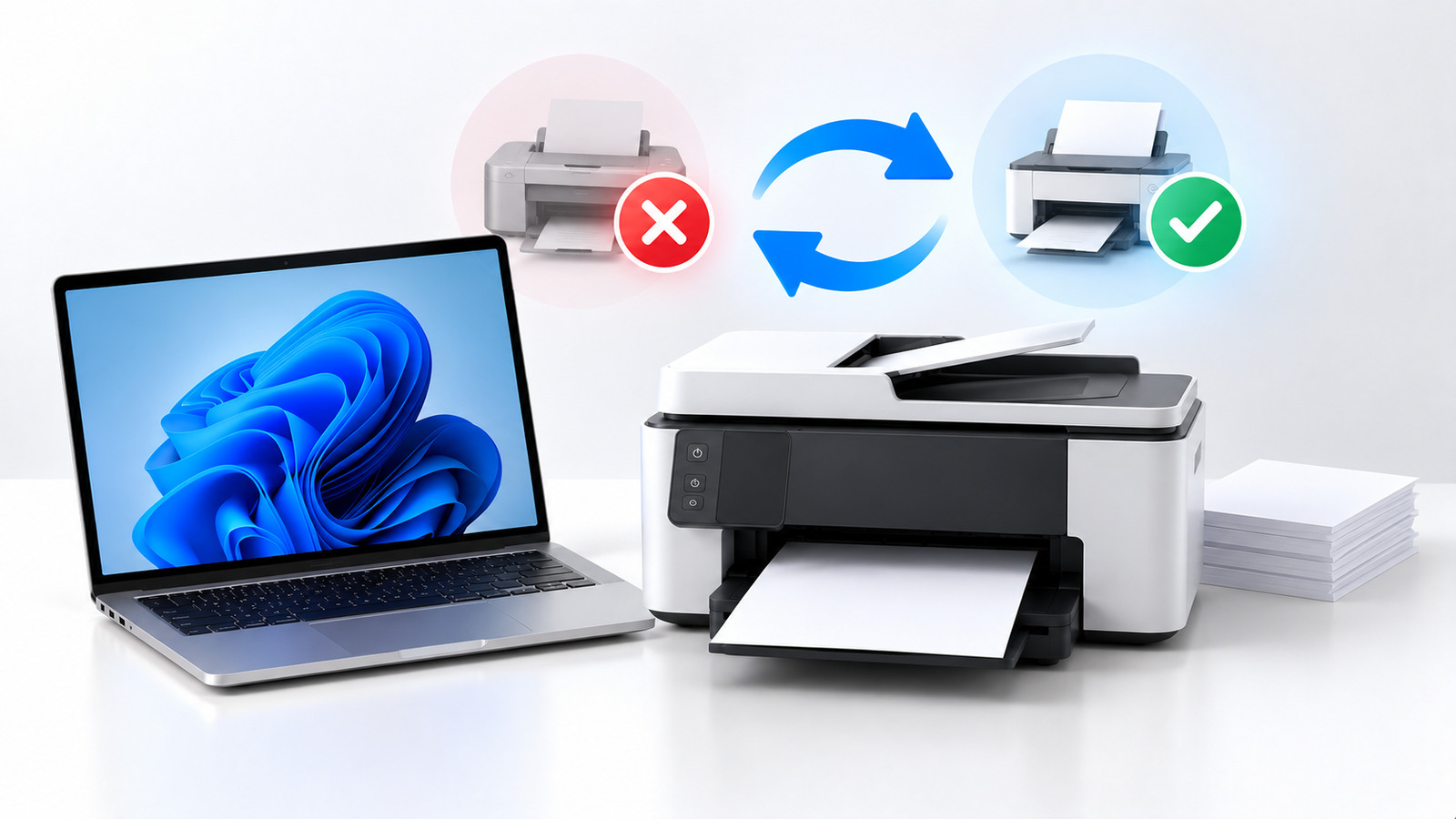
How to Remove and Reinstall a Printer in Windows 11
Learn how to reinstall printer Windows 11 step by step. Remove old printer settings, reinstall drivers, reconnect USB or WiFi printers, and fix detection issues

How-to Guides
How to Connect a Printer to a New Wi-Fi Network
Learn how to connect printer to new WiFi after changing your router, password, or network. Follow simple setup steps using Wi-Fi, WPS, or printer apps.

How-to Guides
How to Share a Printer Between Windows Computers
Learn printer sharing Windows step by step. Share a USB or network printer between Windows computers, enable discovery, connect PCs, and fix common errors.
How-to Guides
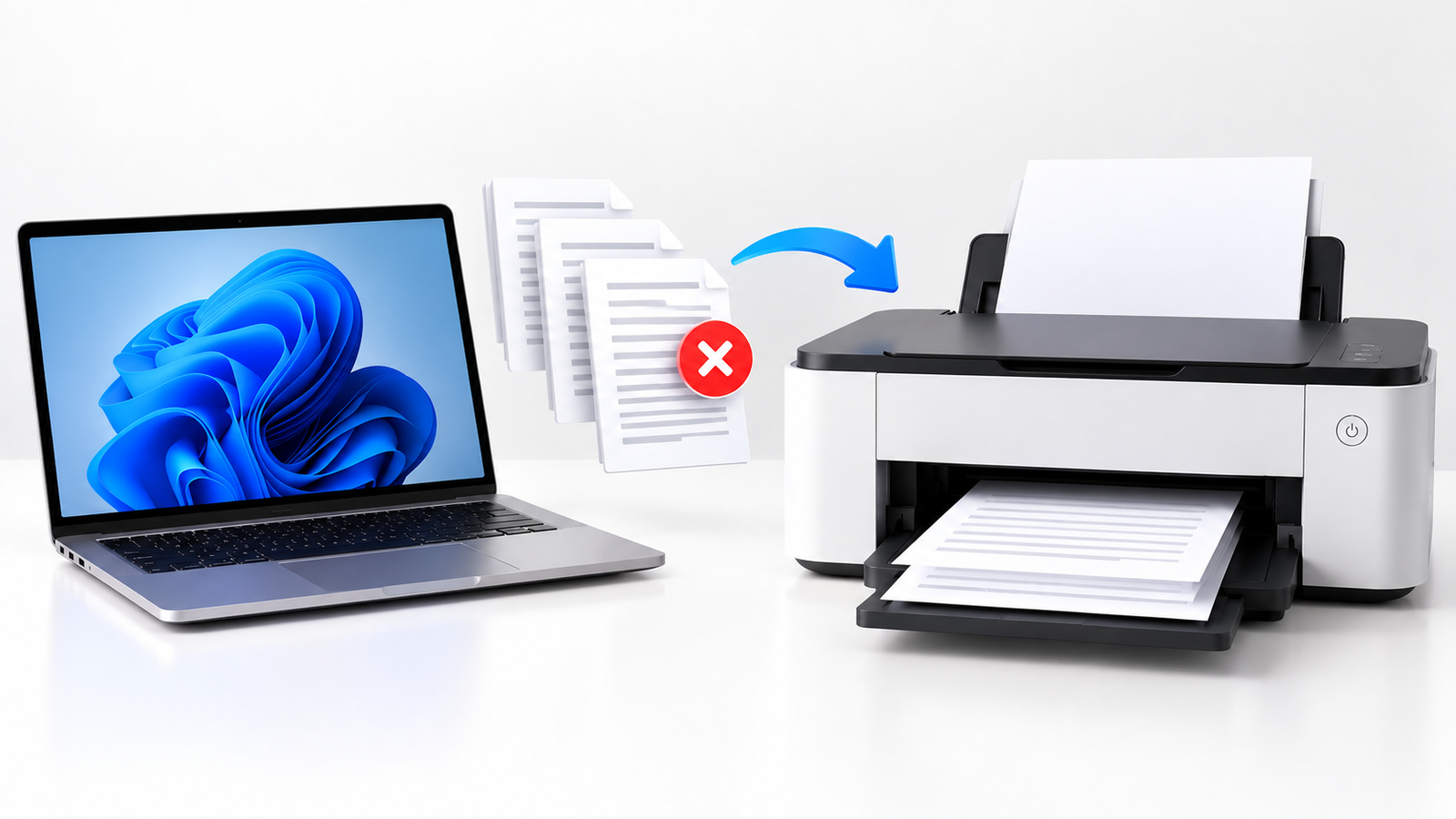
How to Clear the Printer Queue in Windows 11
Learn how to clear printer queue Windows 11, cancel stuck print jobs, restart the Print Spooler, and fix printing issues with easy step-by-step methods.